
Add the Birnbaum Youth Home campaign tag to your Youth Homes email signature:
It should look like this image when it’s fully selected (this is an example, not the image to copy):
- Use “Control C” to copy all elements of the image. This will copy all image paths and html so that it functions as intented.
- Head over to your settings in your Youth Homes Gmail account (Gear Icon in upper right)

- Then select “See All Settings”
- Scroll down to your signature block and put your cursor where you’d like this to display within your signature, and use the keyboard shortcut “Control V” to paste.
- Be sure to “Save Changes” at the bottom of the settings page.
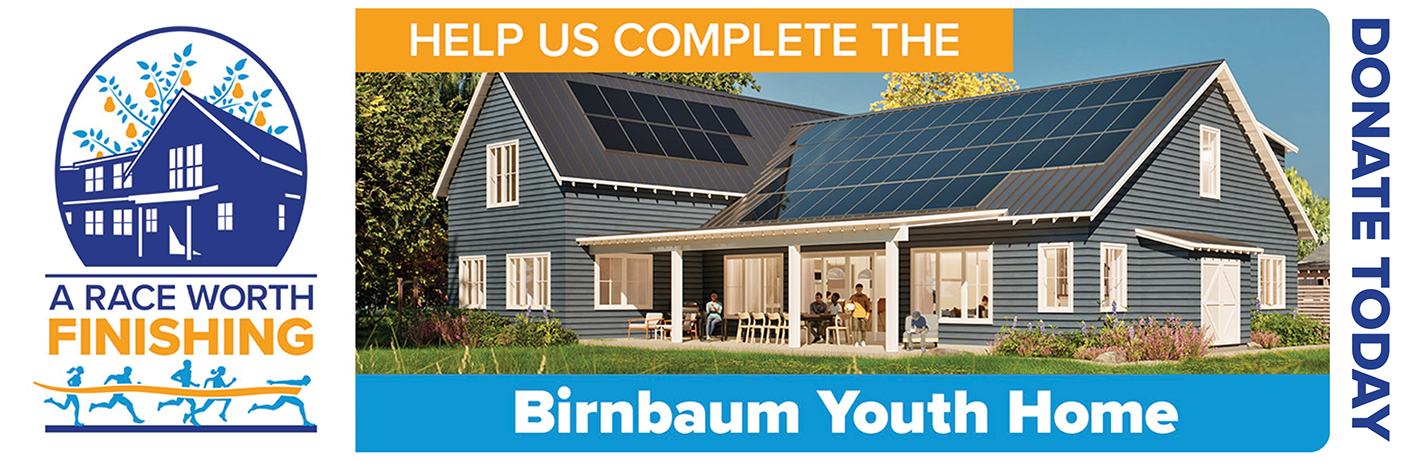
EMAIL TAG TO COPY:
|
 |